
Choosing PPM software comes down to one test: does it connect strategy to delivery, or does it just organise a project list. Most evaluations get this backwards, starting with a feature checklist instead of the question the software is actually meant to answer for a PMO.
This guide is a practical checklist for evaluating project portfolio management software, covering what to look for, the questions worth asking vendors, and the red flags that signal a task tool with a portfolio label bolted on.
What PPM software needs to do that task tools don't
Most "project management software" evaluations compare surface features: boards, Gantt charts, comments, integrations. That comparison misses the actual gap. See PPM software vs task management software for the full breakdown, but the short version: task tools track whether work gets done, PPM software tracks whether the work being done is still the right work.
Every item on the checklist below exists to test for that second capability specifically.
The buyer's checklist: 8 capabilities to check for
1. Objectives and KPIs as structured, linked data. Not a text field on a project. You should be able to create an objective, link a KPI to it, and see that KPI's status update as delivery progresses.
2. A governed ideas pipeline. New work should pass through a scored evaluation against strategic fit before it consumes budget or headcount, not after.
3. Portfolio and programme grouping, not just project tags. Portfolios and programmes need to be real structural layers above the project, with their own reporting, not a label applied to a filtered view.
4. Cross-portfolio resource capacity. Over-allocation needs to be visible across every project a person touches, not just within one project's plan.
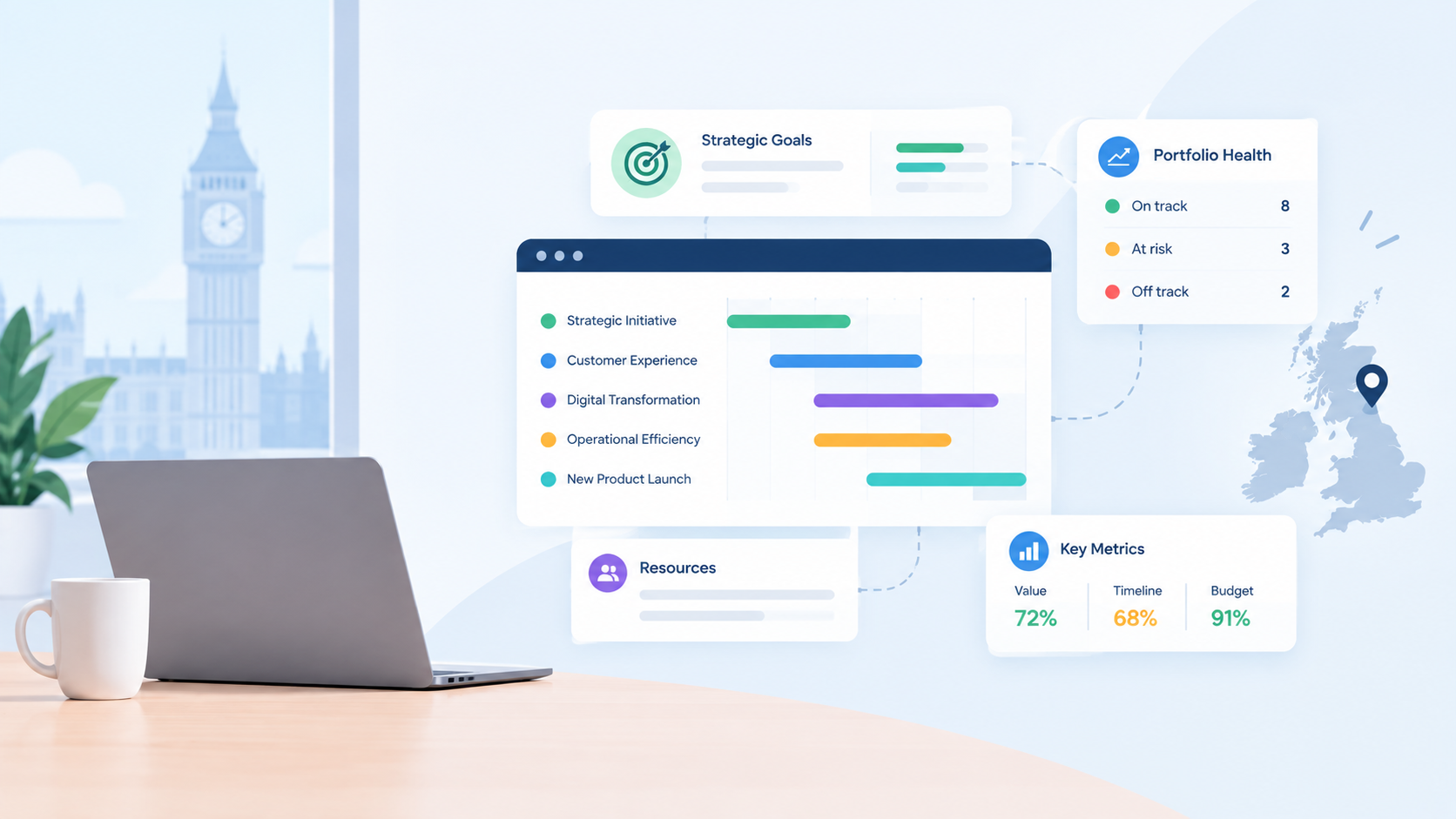
5. Executive-level reporting in one dashboard. RAG status, budget versus actual, and objective health should sit together, assembled automatically rather than by hand before every board meeting.
6. Budget vs. actual tracking at the portfolio level. Spend-to-budget by project alone hides whether the money went to work that's still aligned to strategy.
7. Role-appropriate views. A Project Manager, Portfolio Manager, and Executive sponsor need different views of the same data, not one generic dashboard everyone has to interpret differently.
8. A low-risk way to prove it on your own data. Software that only looks good in a scripted demo is a warning sign. Look for a genuine trial period against your own portfolio, not a sales team's sample data.
Questions to ask vendors during evaluation
"Can I link a KPI directly to a portfolio, and does its status update automatically as projects progress, or do I need to update it manually?"
"How does resource capacity roll up across projects? Can I see a single person's total allocation across everything they're on?"
"What does the ideas pipeline actually gate? Can a project get funded and staffed without ever passing a scored evaluation?"
"What does an executive see on login, and how much of that report is assembled automatically versus built by the PMO each week?"
Red flags that signal a task tool wearing a portfolio label
"Portfolio" just means a saved filter or a folder. If a portfolio is really a tag applied to a list of projects, it has no independent reporting, budget, or KPI layer of its own.
Objectives live in a text field, not a data model. If a KPI can't be queried, aggregated, or linked programmatically to delivery, it's documentation, not tracking.
Resource views only work inside a single project. If over-allocation only becomes visible after someone manually cross-references five separate project plans, the tool hasn't actually solved the resourcing problem.
Every board-ready report is manually assembled. If "reporting" means exporting to a spreadsheet before every review, the software is a data store, not a reporting tool.
How to run a fair evaluation
The most reliable evaluation is one run on your own portfolio data, not a vendor's demo environment. See how to get leadership buy-in on a new platform for how to frame that business case internally.
A good evaluation period should be long enough to load real projects, real KPIs, and real resource data, and short enough that it doesn't become an open-ended pilot with no decision at the end. Project Director's evaluation runs on your own data specifically for this reason.
For a full feature-by-feature comparison against other PPM tools, see how Project Director compares.
Frequently asked questions
What's the difference between PPM software and a task manager with a portfolio view?
PPM software holds objectives and KPIs as structured, linked data and reports at the portfolio level natively. A task manager with a portfolio label usually just groups projects visually, with no real link back to strategy.
How long should a PPM software evaluation take?
Long enough to load real project, KPI, and resource data — typically one to two weeks — and short enough to force a decision rather than becoming an open-ended pilot.
Who should be involved in choosing PPM software?
Typically the PMO Manager or Portfolio Manager leading the evaluation, with input from a Project Manager on day-to-day usability and an Operational Director or C-suite sponsor on reporting needs.
See whether your portfolio still matches your strategy. Try Project Director free for 14 days.